
1
Assurance Wireless
T-Mobile network
4.5 / 5
- Plan
- Unlimited talk & text + up to 6GB high-speed data
- Devices
- Free smartphone included (BYOD available)
- Best for
- Best overall for most households
Works with BLU C5L Max
Independent guide — not the government, not a Lifeline provider
Find providers in your state

Aiden hayes
March 23, 2025
We may earn a commission if you apply for service through a link on this page. Full disclosure.
5G home internet offers fast speeds without messy wires, but it can sometimes have problems (1). Slow speeds or connection drops can be very frustrating. Fortunately, there are helpful tips to fix these issues. From simple checks to more detailed troubleshooting, these steps can help restore the connection quickly. Keep reading to learn effective solutions that will get the 5G home internet back on track and working smoothly again!
5G home internet is a way to get high-speed internet without wires. It uses 5G technology to be faster than older internet types. But there are things that can mess it up. Knowing how to make it better is key.
When someone sets up 5G home internet, they need to think about these things. Getting the best experience means knowing the equipment. It’s all about making sure everything works together well.
Resetting a router or modem is often the quickest way to solve internet troubles. It's surprising how many issues can vanish with just a simple reset.
This easy process might seem too simple, but it works. Maybe it’s because the router gets a fresh start, or maybe it’s just a good reset. Either way, it’s worth a try when problems arise. The next time the internet acts up, a reset might just do the trick.
Editor update: Cliq Mobile no longer sells home internet or 5G fixed wireless service. Use this guide as background, then compare current internet providers at your address before ordering.
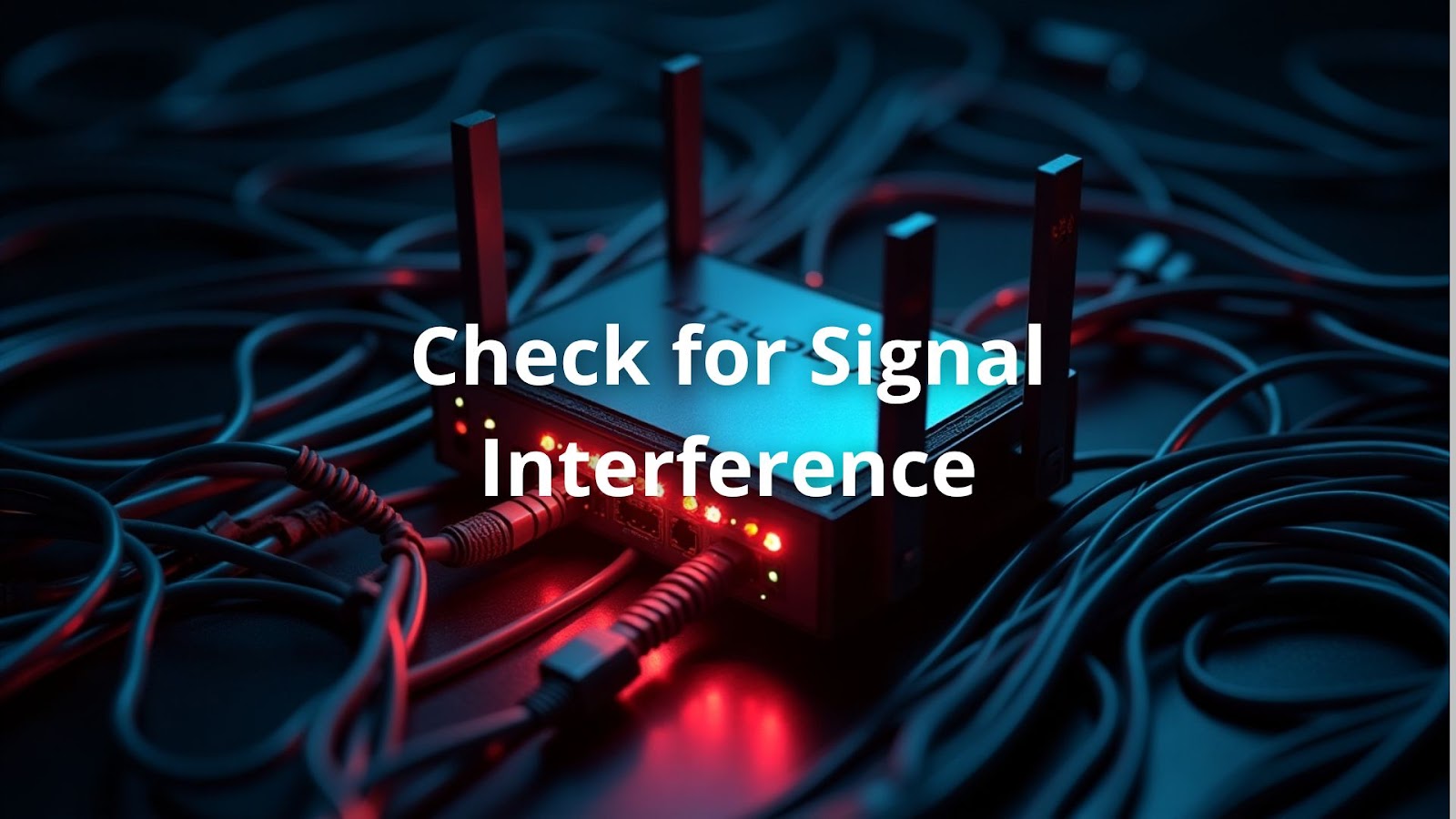
Signal interference can sneak up and ruin the internet connection. It’s surprising how everyday items like microwaves, Bluetooth devices, and cordless phones can mess with the signal strength (2).
By doing these simple things, the connection might get stronger. A clearer path for the signal means better internet. It’s worth checking these steps to improve the experience. A little effort often leads to a big difference in performance.
Keeping devices and routers updated is a must for smooth internet. Updates fix bugs and can even speed things up.
Updating is like giving the internet a little tune-up. It might seem like a small task, but it can lead to big improvements. A device that’s running its best means a better connection. Taking a few minutes to update can make all the difference in the online experience. It’s a simple way to keep things running smoothly.
Where the router sits can change the strength of the internet signal. It’s surprising how a few simple moves can make a big difference in coverage.
When the router is in a good spot, it can help get rid of dead zones in the house. A strong signal means better streaming, gaming, and browsing. It’s worth considering these tips to improve the internet experience. A little change in location can lead to a lot more fun online!
Not all devices can handle 5G speeds, and this can lead to slow connections. It’s important to check if everything connected to the network is compatible. Older devices might struggle with the high speeds that 5G offers.
Making sure devices are up to date can help everyone enjoy the internet more. A compatible device means faster downloads, smoother streaming, and a better overall experience online.
Sometimes, the internet problem might only be with one device, and figuring this out can save time. It’s smart to test different devices connected to the network to see where the issue lies.
Doing this can help pinpoint where the trouble is coming from. It might be a quick fix, or it could need more attention. Knowing whether the issue is with one device or the whole network can make troubleshooting much easier. A little investigation goes a long way in keeping everything running smoothly.
Credits: Ask Leo!
If too many devices are using the internet at the same time, it can slow everything down. Managing the number of connected devices is key to a faster connection.
By taking these steps, a noticeable improvement in speed can often be seen. Less competition for bandwidth means a smoother experience for everyone. It’s all about making sure the internet works efficiently for the most important tasks. Simple changes can lead to a better online experience!
Loose or damaged cables can cause big problems for internet connections. It’s easy to overlook this, but checking cables is an important step in troubleshooting.
This simple step can save a lot of headaches. A secure and undamaged cable helps maintain a strong connection. By ensuring everything is in good shape, it’s possible to avoid frustrating internet issues. Small checks can lead to big improvements in performance!
It’s a smart idea to regularly check internet speed. Knowing how fast the connection is can help identify potential problems. Online speed test tools make this easy.
Checking speed can provide valuable insights into the performance of the internet. It helps figure out if there’s an issue that needs attention. Keeping track of speed can lead to a smoother online experience and better overall satisfaction.
If everything has been tried and the internet still isn’t working, it might be time to get help from the pros. Sometimes, issues can be complicated and hard to fix alone.
Getting help from professionals can make a big difference. They have the tools and expertise to tackle tough problems. When all else fails, reaching out is a smart choice to restore internet service and get back online.
Editor update: Cliq Mobile no longer sells home internet or 5G fixed wireless service. Use this guide as background, then compare current internet providers at your address before ordering.
Connection stability issues often result from several factors. Poor signal strength might be the root cause, especially if your router placement isn't optimal. Network interference from other electronic devices can disrupt connectivity. Weather conditions and network congestion during peak hours might also affect your 5G connectivity.
To boost your 5G signal quality, consider relocating your router placement to a central, elevated position away from walls and metal objects. Installing a signal booster can help overcome weak reception areas. Wi-Fi extenders can improve wireless range throughout your home. Eliminate network interference by keeping your router away from microwaves, cordless phones, and Bluetooth devices.
Start internet troubleshooting with basic troubleshooting steps: perform a modem reset by unplugging your gateway for 30 seconds (power cycling). Check all cable connections and verify service interruptions aren't affecting your area. Run a speed test to identify potential issues. Review your network settings and ensure device compatibility with 5G technology.
Your home networking setup might be causing issues despite strong 5G connectivity. Check for wireless network setup problems like incorrect Wi-Fi channel selection that could cause interference. Bandwidth management issues might arise from too many connected devices. Consider using network diagnostics to identify potential packet loss or latency problems.
Smart home devices compatibility issues with 5G are common. First, ensure your devices support 5G frequencies. Check device connectivity settings and make sure proper device configuration is completed. Some smart home devices may require specific network settings or DNS settings adjustments. Try device resets if persistent problems occur.
Ethernet issues typically stem from equipment malfunction rather than 5G connectivity problems. Check for damaged cables, loose connections, or faulty ports. Verify your computer's network interface card is functioning properly. IP address conflicts can cause dropped connections. For home office connectivity, ensure your modem performance supports your bandwidth needs.
For better streaming quality issues and online gaming performance, focus on reducing latency problems and packet loss. Use network traffic analysis tools to identify bandwidth bottlenecks. Consider connecting gaming consoles or streaming devices via Ethernet instead of wireless. Adjust router settings to prioritize gaming or streaming traffic.
Troubleshooting internet issues can be simple with the right steps. Checking device compatibility, managing connected devices, securing cables, and testing internet speed all play important roles. If problems persist, contacting customer support is a wise choice. They can help with complicated issues that may be hard to fix alone. By following these steps, users can enjoy a better online experience and ensure their internet connection runs smoothly.
Provider changes, renewal reminders, and benefits you might be missing. One email a month-ish.
Our current 2026 top picks — independently ranked, no pay-to-play.
T-Mobile network
Works with BLU C5L Max
Verizon network
T-Mobile network
Works with BLU C5L Max