
1
Assurance Wireless
T-Mobile network
4.5 / 5
- Plan
- Unlimited talk & text + up to 6GB high-speed data
- Devices
- Free smartphone included (BYOD available)
- Best for
- Best overall for most households
Works with BLU C5L Max
Independent guide — not the government, not a Lifeline provider
Find providers in your state

Aiden Hayes
February 16, 2025
We may earn a commission if you apply for service through a link on this page. Full disclosure.
Have you ever been in a situation where your Lifeline phone just stops working? It can be super frustrating, especially when you rely on it for important calls or messages. The Lifeline program is a free government service that helps people stay connected (1), but sometimes things go wrong. Don't worry! In this article, I’ll share some helpful tips to get your Lifeline phone back up and running. Keep reading to find out more!
When a Lifeline phone doesn’t work, it’s like a puzzle with missing pieces. There could be a few reasons for this.
These problems might happen because of different issues. For instance, a SIM card can be loose or damaged, which affects the phone’s ability to connect. Or, maybe the phone needs to be restarted. It’s like giving your phone a little nap.
If someone faces these troubles, checking the SIM card and restarting the phone are good first steps. They might just fix the problem!
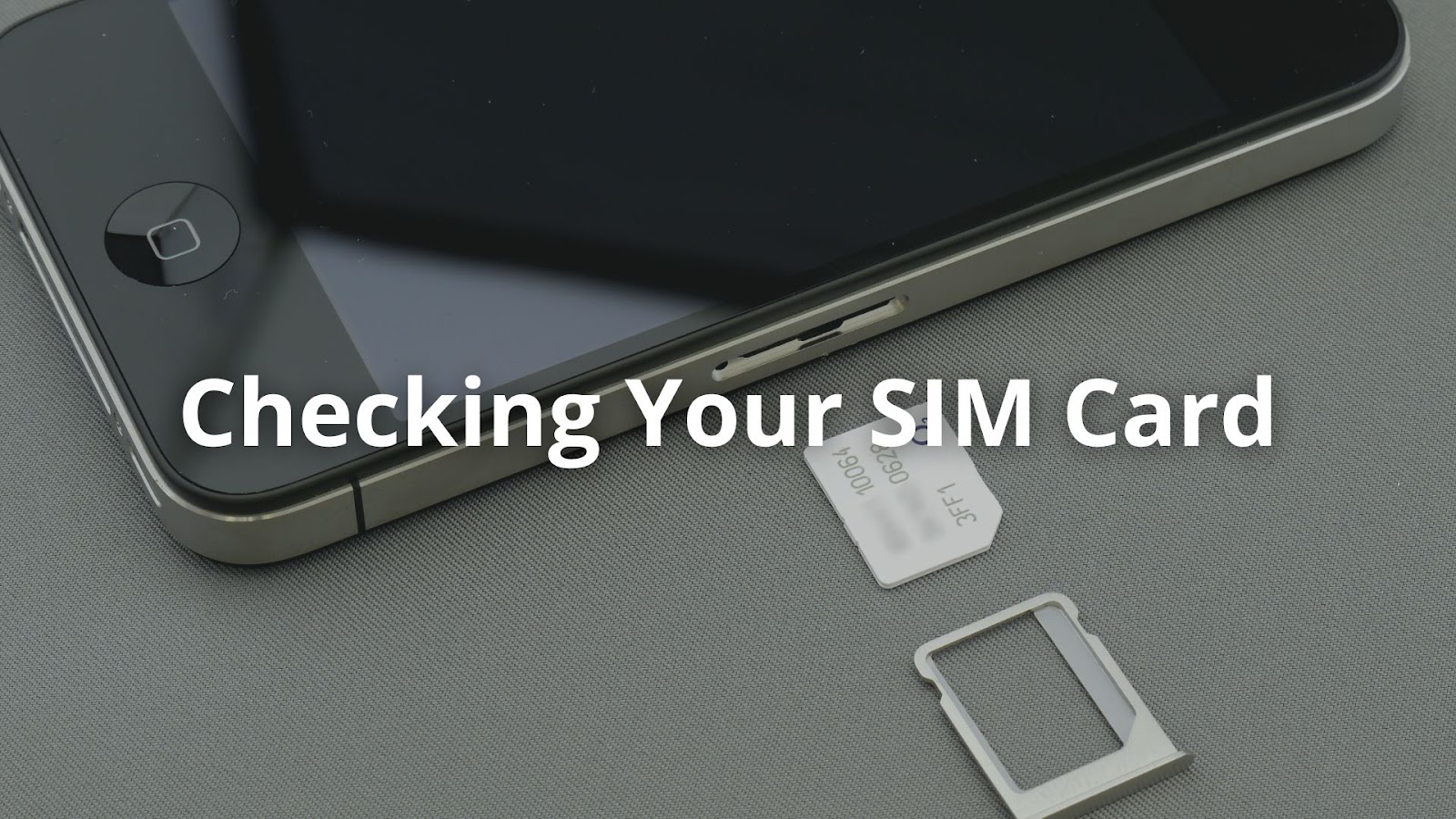
Checking the SIM card is like looking for a missing piece in a game. It’s small but super important.
If the phone still doesn’t work, it’s time to think about other problems. Maybe the phone needs an update or there’s an issue with the network. Sometimes, it’s just a little glitch. But checking that SIM card is the first step!
Sometimes, Lifeline phones just don’t play nice with the network. Compatibility issues can pop up, especially with different phone models.
It's interesting how a small number can make a big difference. If the phone isn’t compatible, it might be time for a change. Sometimes, people find out they need to switch phones. It can feel frustrating, but it’s just part of keeping up with technology.
When a Lifeline phone stops working, the network might be the problem. Service outages can happen, and they can be tricky to figure out.
Sometimes, just restarting the phone works like magic. It’s amazing how a simple action can solve problems. If the phone still doesn’t work after these steps, it might be time to explore other fixes. Don’t let network issues hold you back—Cliq Mobile provides reliable Lifeline service with strong coverage.
Credits: Fix369
When a Lifeline phone struggles with data, it could be due to the APN settings (2). These settings are like a bridge that helps the phone connect to the internet.
It’s interesting to note that different carriers might have different settings. So, double-checking is always a smart move. If the settings are off, the phone might not connect properly. Fixing these settings can often solve the data problem!
When everything else seems to fail, a factory reset can be a last resort. It’s like giving the phone a clean slate. But it’s important to be careful. This action will erase all personal stuff, including pictures and apps.
After the reset, the phone will feel brand new. It will need to be set up again, just like when it was first bought. Checking the SIM card and APN settings again is a smart idea. This step can help avoid any future headaches!

When all else fails, reaching out for extra help can make a difference. If the Lifeline phone still isn’t working after trying everything, contacting customer support is a good step. They can assist in several areas:
To contact customer support, one can call their number or use online chat options. It’s helpful to have the IMEI and SIM card number ready. This makes the process smoother and faster. Need direct support? Cliq Mobile’s customer service is ready to help you get back online.
Sometimes, the problem with a Lifeline phone isn’t the phone at all. It could be a temporary issue. Networks might go down for maintenance or face other hiccups.
It’s surprising how often this happens. A phone might seem broken, but it’s just the network acting up. After a few hours, things might be back to normal, and texting friends can resume. Keeping calm during these times can help avoid unnecessary worry!
If your Lifeline phone is not working, check for common issues like no service, no data, or no phone calls. Ensure your Lifeline phone activation is complete and your SIM card is inserted correctly. If you see an invalid SIM message, contact customer support. A network reset or checking APN settings may help fix connection problems. If the issue persists, reach out to your provider’s technical support.
To qualify, you must meet eligibility for Lifeline or government assistance programs. The application for Lifeline can be completed online, and if approved, you’ll go through Lifeline enrollment. If your application is denied due to enrollment issues, you may need to submit additional documents. If you lost benefits, you can try reapplying for ACP.
To switch providers, check if your phone is unlocked and compatible with the new service. Ensure you have no account issues with your current provider. Some options include Safelink Wireless, Assurance Wireless, TruConnect, Access Wireless, and Qlink Wireless. If your phone is locked to a provider like T-Mobile or Verizon, you may need to request an unlock before switching.
If you’re facing voicemail issues, check if your voicemail is set up correctly. A network reset may fix connectivity issues. If you recently switched to a free government phone, voicemail settings may need to be reconfigured. If problems persist, contact customer support.
If you have a defective device, check if your provider offers a replacement. Most free phone programs provide a limited warranty. Contact technical support or check with the Lifeline Support Center to see if you qualify for a replacement device.
For network problems, a network reset or factory reset may help. Check if your provider is experiencing a service outage. If you are using a BYOP (Bring Your Own Phone) device, ensure its IMEI number is compatible with your provider. If your phone is locked, contact your provider about unlocking options.
If your Lifeline phone isn't working, there are several steps you can take to troubleshoot the problem. Start by checking your SIM card, ensuring your phone is compatible with the network, and adjusting the APN settings. If these things don’t help, don’t hesitate to reach out for support. Don’t let phone issues keep you disconnected. Cliq Mobile’s Lifeline Assistance Program ensures reliable service—see if you qualify today!
Provider changes, renewal reminders, and benefits you might be missing. One email a month-ish.
Our current 2026 top picks — independently ranked, no pay-to-play.
T-Mobile network
Works with BLU C5L Max
Verizon network
T-Mobile network
Works with BLU C5L Max